How to add your card to your resume and send it to recruiters
Jonathan Siag, Founder and developer of Cards.ai · · 4 min read

For job seekers: where to put your card link on your resume, how to send it to recruiters, and why it helps you stand out.
Why a card on your resume
Recruiters see hundreds of resumes. A link to a polished card with your photo, opening line, LinkedIn, portfolio and a resume download button gives them the full picture in seconds.
Where to put the link
At the top, next to your phone and email.
Use clear text such as My card, and attach the link to it.
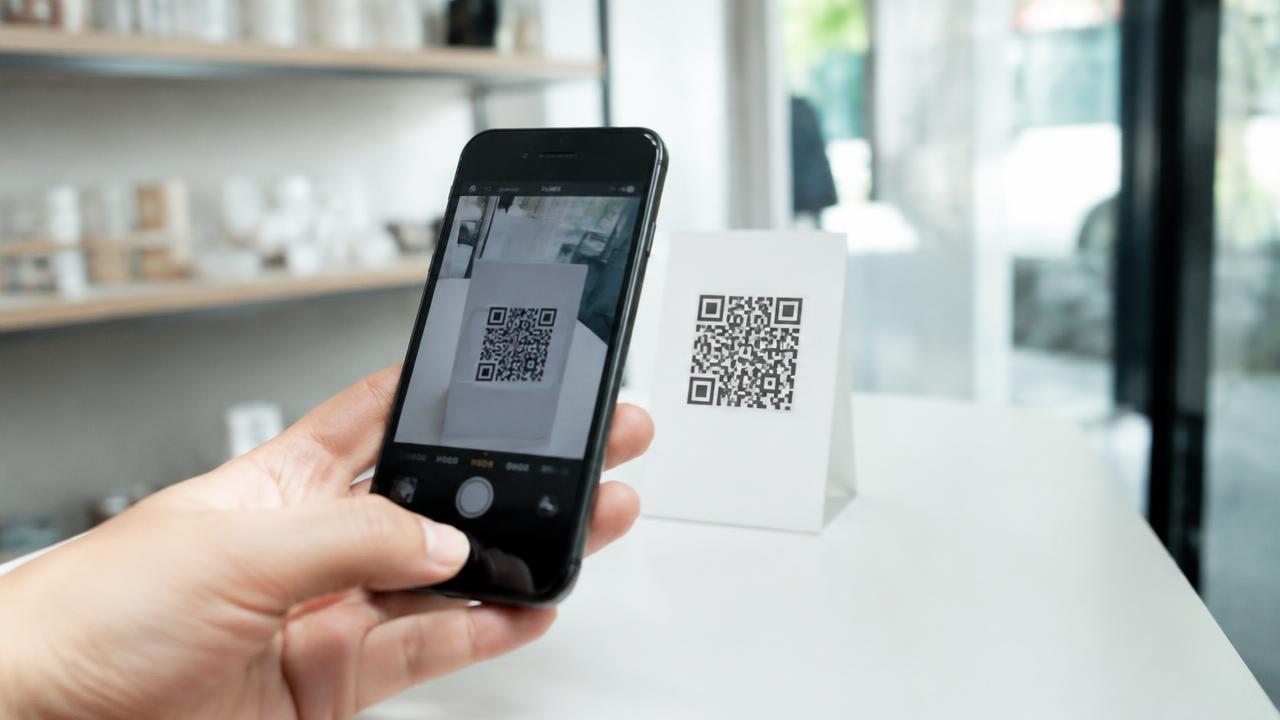
Add a small QR code in the corner for anyone who prints.
How to send it
In an email to a recruiter, add one line: All my details and portfolio are on my card, with the link.
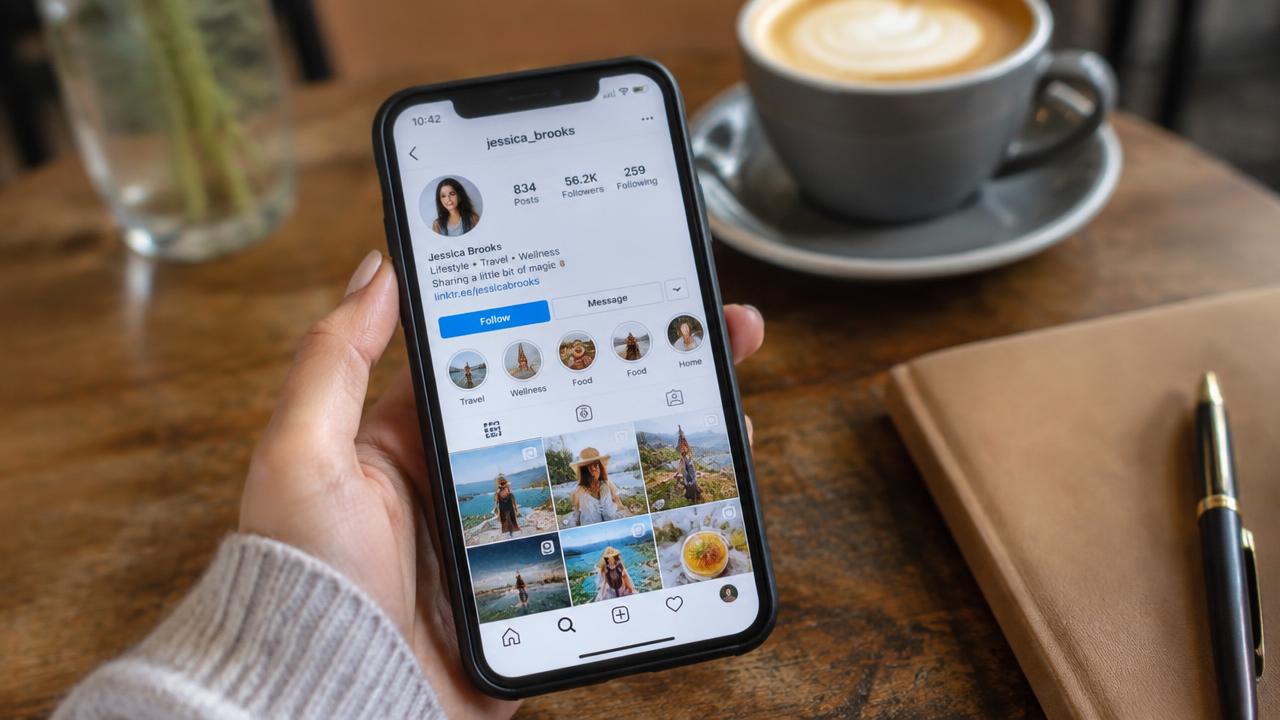
On LinkedIn, add the card to Featured and to your contact info.
On WhatsApp, send the link on its own and let the preview do the work.
A digital business card in 2 minutes, with AI
Create for free. You only pay once you see it.
Start free