How to add your digital card to your Instagram link in bio
Jonathan Siag, Founder and developer of Cards.ai · · 4 min read
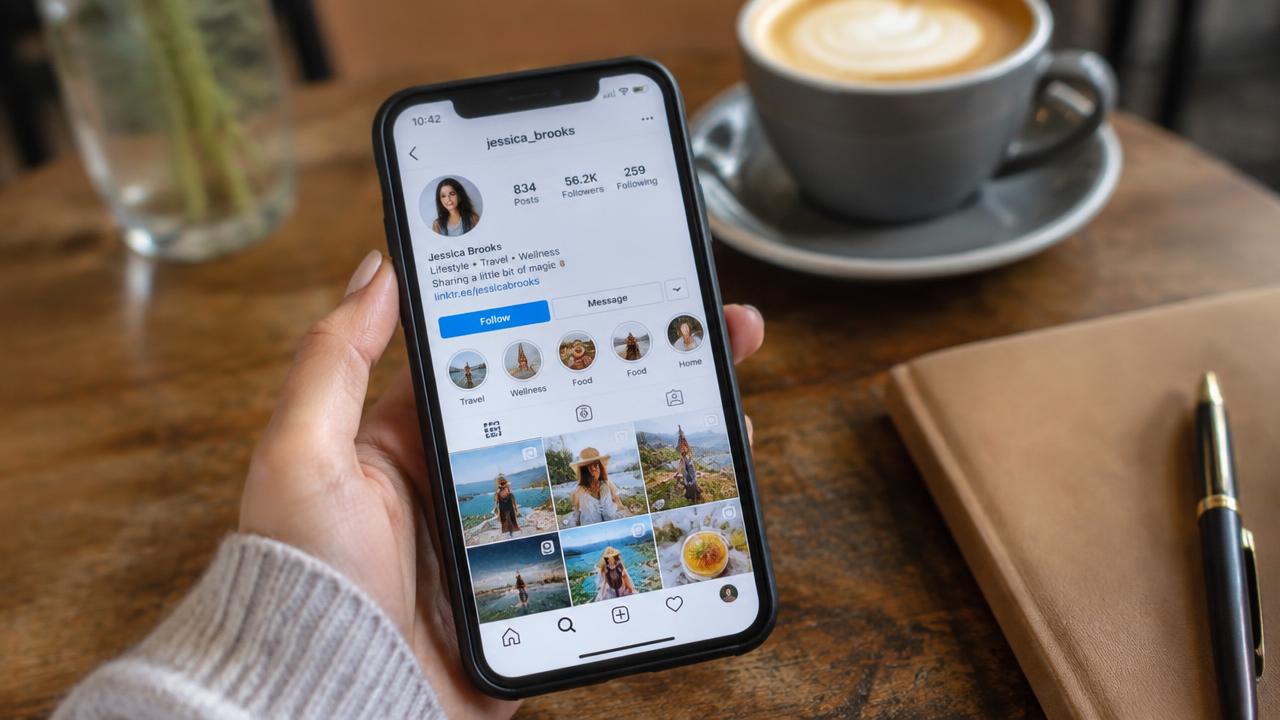
A step by step guide to putting your card in your Instagram bio, so every follower reaches WhatsApp, your website and your lead form in one tap.
Why the link in bio matters
Instagram only allows clickable links in your bio. People who land on your profile look there first for a way to reach you, so it is the most valuable spot for your card.
Instead of a single website link, your card gives followers every option on one screen: WhatsApp, call, website, lead form and socials.
Add it in five minutes
Open Instagram and follow these steps:
- Go to your profile and tap Edit profile.
- Tap Links, then Add external link.
- Paste the link to your card, copied from the share screen in your dashboard.
- Add a short title such as Contact me.
- Save. The link now shows under your bio.
Tips for more taps
Write a bio line that invites the tap, such as Bookings and details in the link below.
Mention the link in Stories with a link sticker and save it to a Highlight.
Cards.ai statistics show exactly how many visitors came from Instagram.
A digital business card in 2 minutes, with AI
Create for free. You only pay once you see it.
Start free