How to create a QR code for your digital business card
Jonathan Siag, Founder and developer of Cards.ai · · 3 min read
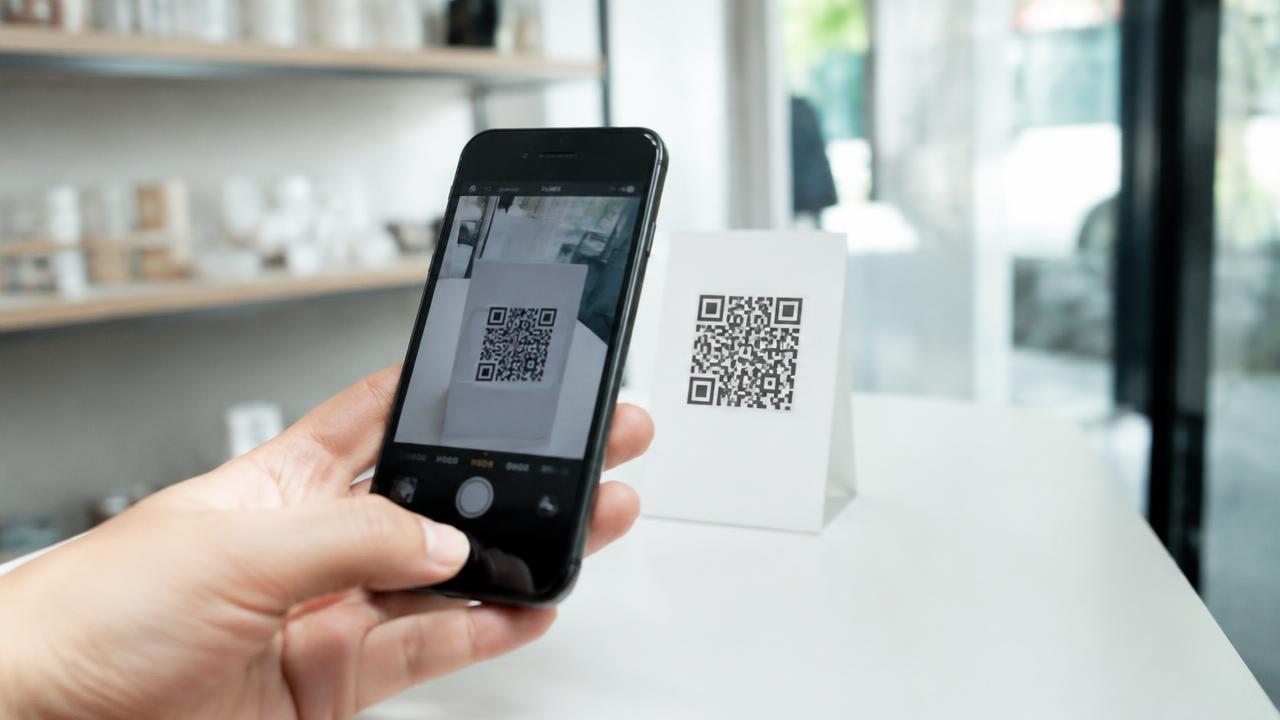
Three simple ways to create a QR code that opens your card, and how to make sure it scans on every phone.
The easy way
The moment your card goes live we email you a ready QR code. Long press it, save the image, done.
From your browser
Chrome can create a QR code for any page:
- Open your card in Chrome on a computer.
- Click the share icon in the address bar.
- Choose Create QR code.
- Download the image.
Make sure it always scans
Keep a white margin around the code.
In print, use at least 2 by 2 cm.
Dark code on a light background scans best.
Scan it yourself before printing a batch.
A digital business card in 2 minutes, with AI
Create for free. You only pay once you see it.
Start free