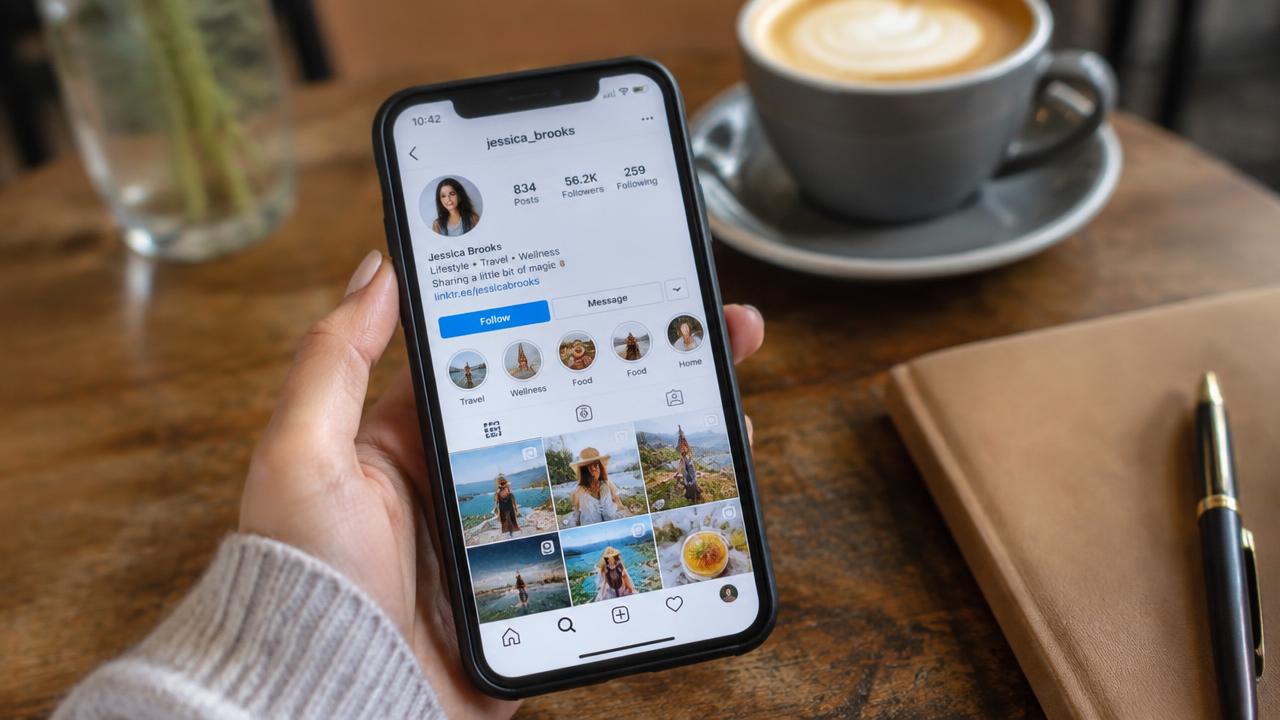
Custom links in bio: all your links at one address
Jonathan Siag, Founder and developer of Cards.ai · · 4 min read

Turn your card into a custom link page with unlimited buttons, ordered by priority, with click tracking for every button.
What custom links are
Custom links are buttons you define yourself: your website, shop, workshop signup, podcast or any other page. On a Cards.ai card every button can be a link, phone, WhatsApp, email or lead form.
How to build them
In the card editor:
- Click Add button and choose Link.
- Paste the address and write a short, clear label.
- Drag buttons so the most important one comes first.
- Save and check the live preview.
What works best
Three to five buttons beat ten. Every extra button splits attention.
Action labels outperform generic ones: Book a meeting instead of Calendar.
Check statistics to see what gets clicked, and move the winner to the top.
A digital business card in 2 minutes, with AI
Create for free. You only pay once you see it.
Start free