QR on paper cards, flyers and signs: where it works best
Jonathan Siag, Founder and developer of Cards.ai · · 3 min read
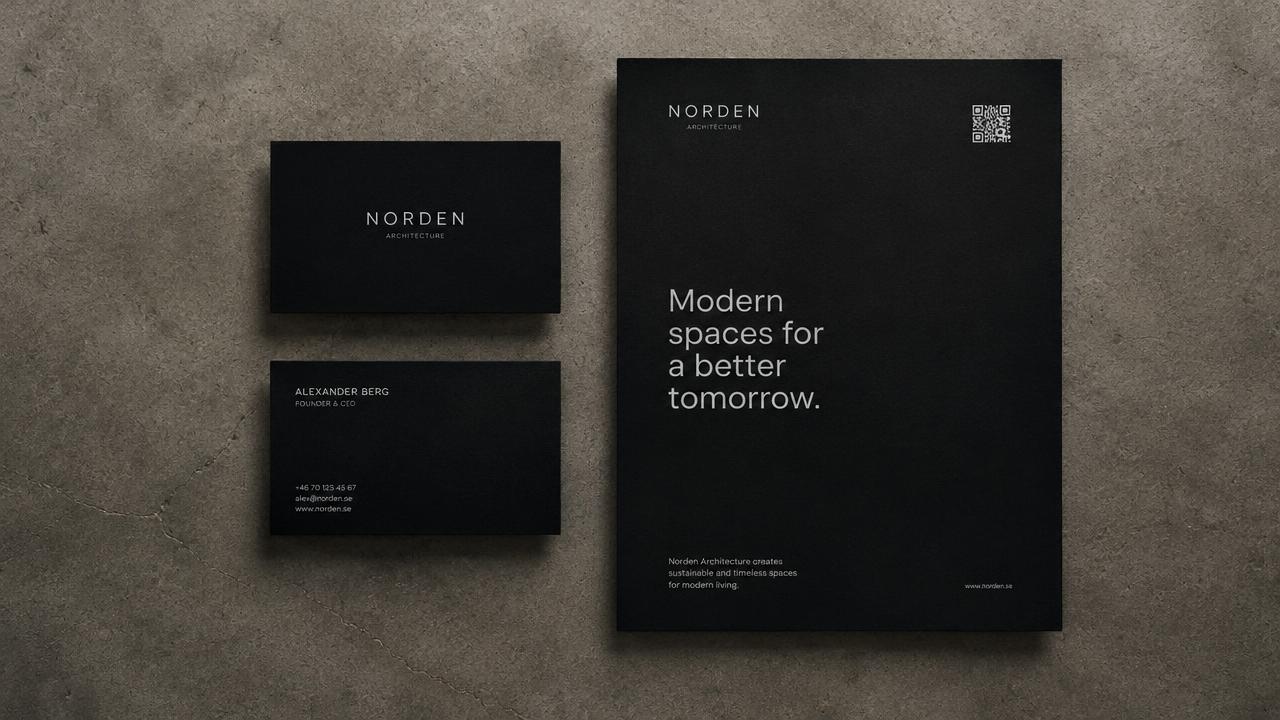
Ideas for adding your digital card QR code to printed materials, so everyone you meet in person reaches all your details.
Connecting paper and digital
Paper cards run out, go stale and get thrown away. A QR code that opens your digital card stays current, even when your phone number or price list changes.
Where to put it
On the back of your printed business card.
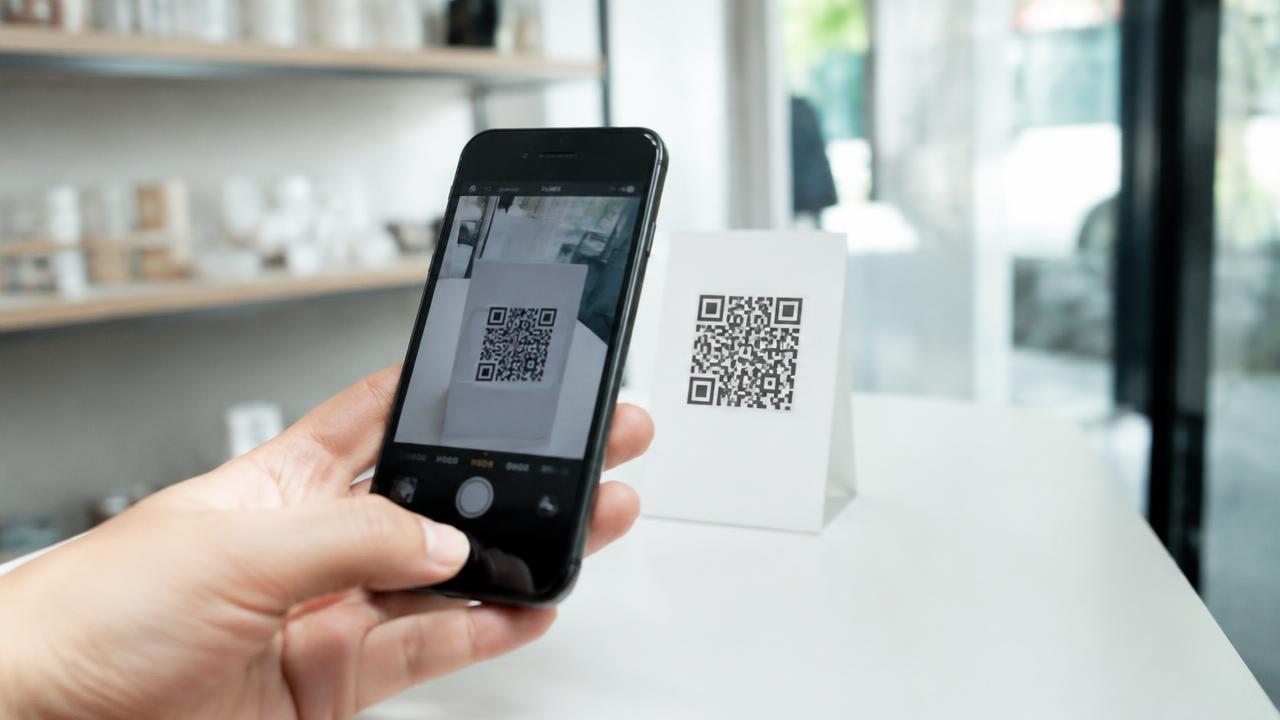
On a small counter sign at your shop or booth.
On flyers and conference handouts.
On packaging, bags and product stickers.
What to write next to it
A code without context gets fewer scans. Add a short line: Scan for WhatsApp and orders, or Scan for all details.
A digital business card in 2 minutes, with AI
Create for free. You only pay once you see it.
Start free