Yes, a PDF can include links: how to make them clickable
Jonathan Siag, Founder and developer of Cards.ai · · 4 min read
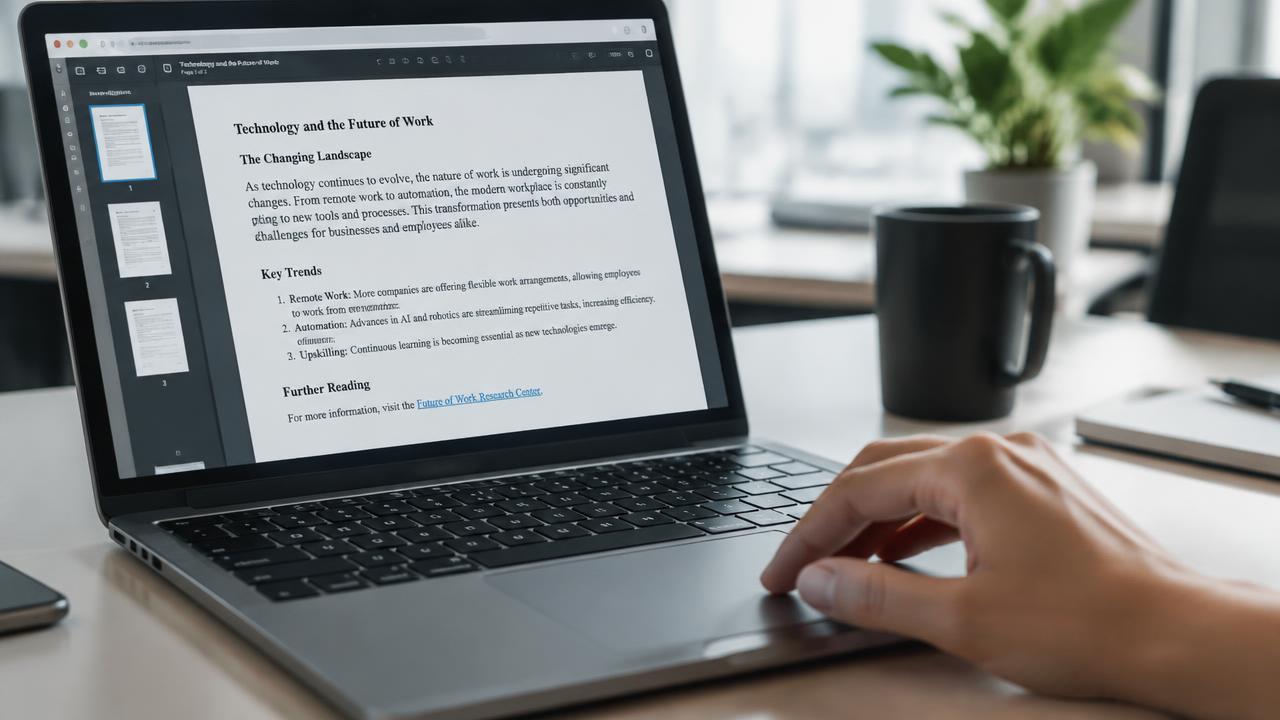
A PDF keeps clickable links when you export it correctly. Here is how in Word, Google Docs and Canva.
The myth
Many people think a PDF resume is a static image. In fact PDF supports clickable links, as long as you create them as real links and export with Save as PDF rather than printing.
In Word
- Select the text, for example My card.
- Press Ctrl and K and paste your card address.
- File, Save As, and choose PDF.
- Open the file and check the link works.
In Google Docs and Canva
Google Docs: select, Ctrl and K, then File, Download, PDF document.
Canva: select the text, click the link icon, and download as PDF Standard.
Avoid Print to PDF and screenshots, where links disappear.
A digital business card in 2 minutes, with AI
Create for free. You only pay once you see it.
Start free