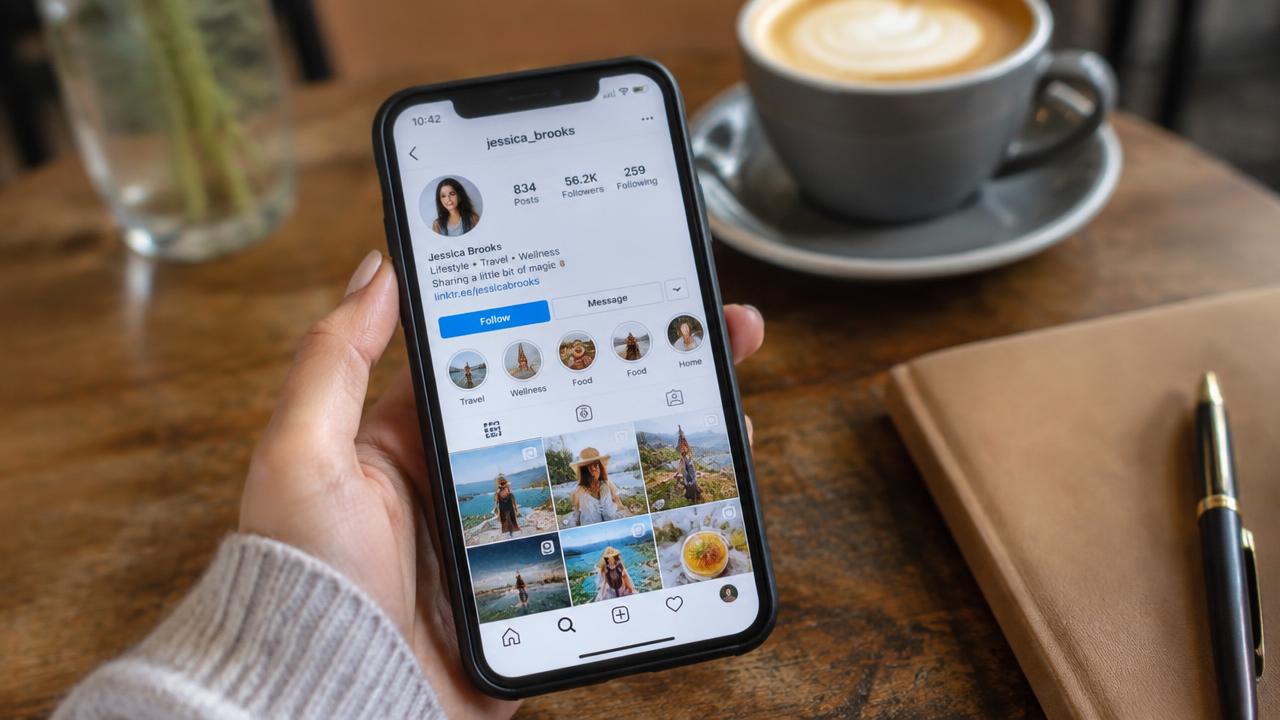
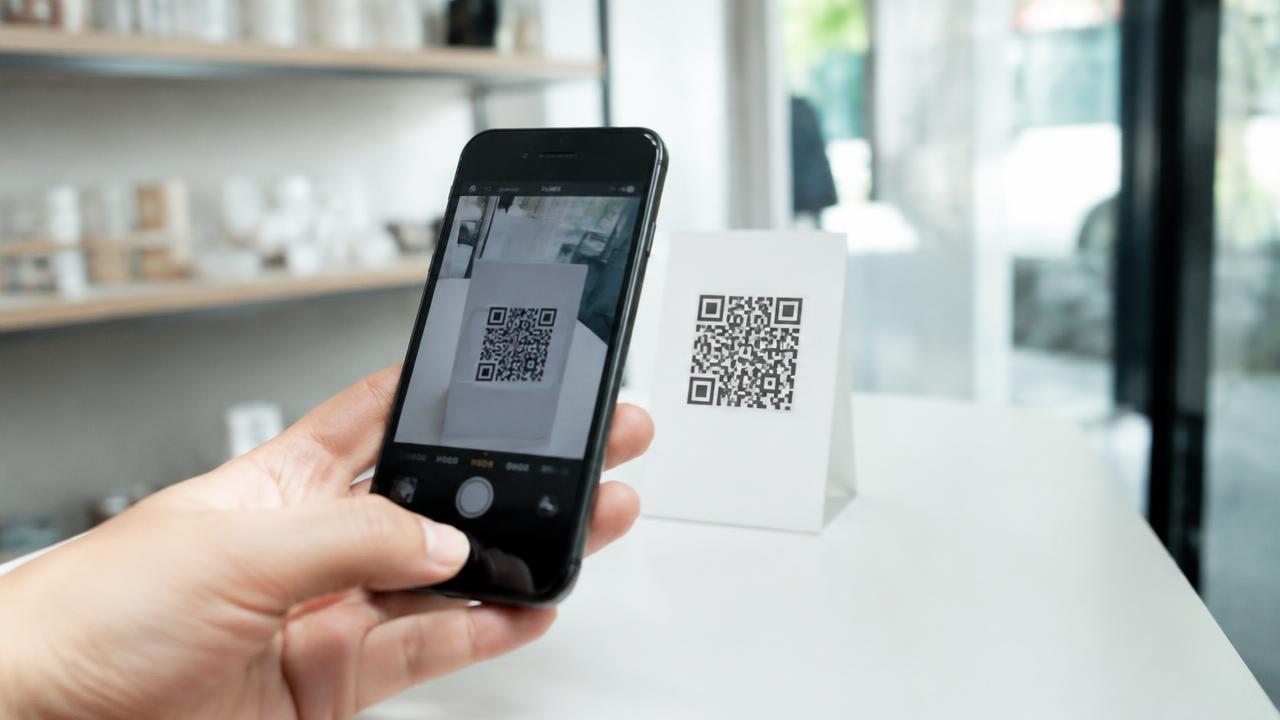
How to send your card on WhatsApp and email so people open it
Jonathan Siag, Founder and developer of Cards.ai · · 3 min read
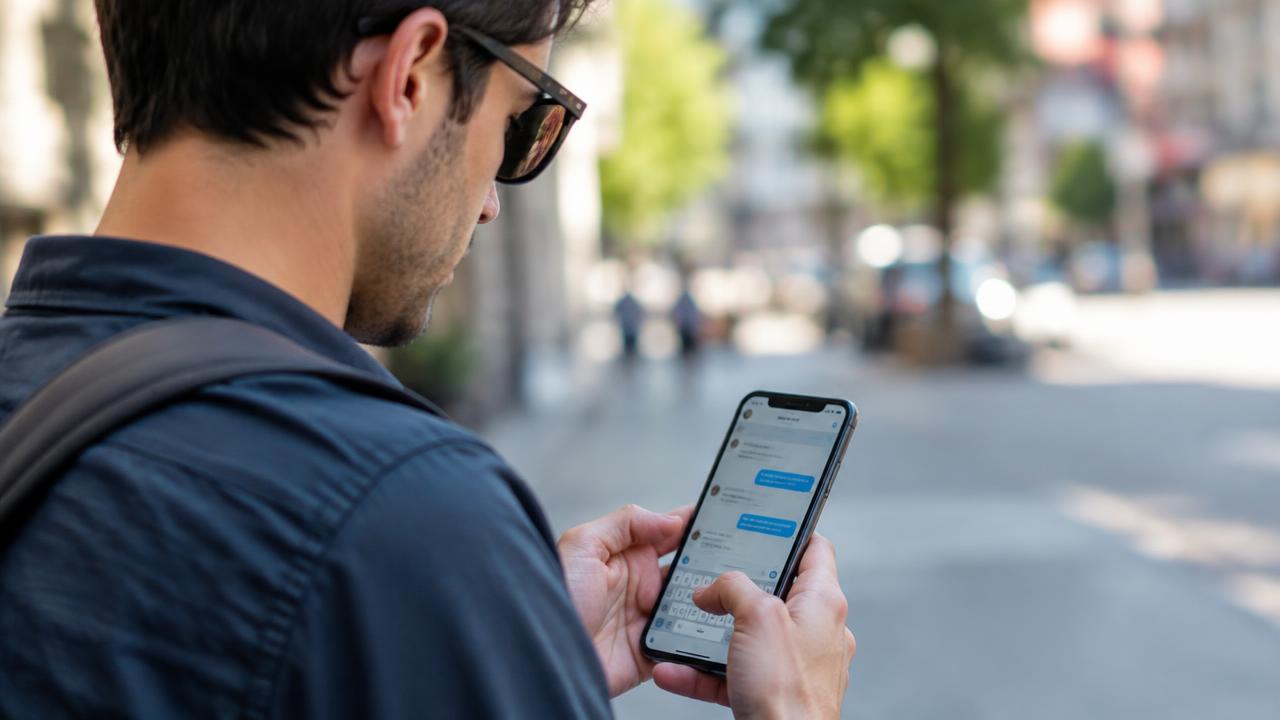
The right ways to share your digital card on WhatsApp, email and messages, with a preview that invites the tap.
On WhatsApp
Send the full card address. WhatsApp shows a preview with your image and title, which is what gets the tap.
Save the link as a quick reply in WhatsApp Business to send it in two taps.
By email
Add a short line with the link instead of an attachment. A link opens on every device and is always up to date.
After a meeting
Send your card right after the conversation with a personal line. Your details get saved while they still remember you.
A digital business card in 2 minutes, with AI
Create for free. You only pay once you see it.
Start free